
Relive Dreamcast Gaming with Flycast
Download Flycast now to experience classic Sega Dreamcast titles on modern systems with enhanced visuals and full compatibility.
Overview
Flycast is a powerful open-source emulator designed to bring Sega Dreamcast games to contemporary desktop platforms. Developed by the Flycast Team, it allows users to relive the nostalgic charm of one of the most innovative gaming consoles of the late 1990s. The Dreamcast, launched in 1998, introduced groundbreaking features such as online gaming and a unique GD-ROM disc format, but was discontinued in 2001 due to commercial challenges. Flycast preserves this legacy by enabling modern hardware to run these classic titles with improved performance and visual fidelity.
Target users include retro gaming enthusiasts, collectors, and developers interested in exploring classic game architecture. The software is particularly valuable for those seeking to experience Dreamcast games beyond their original hardware limitations. Real-world usage scenarios include home arcade setups, game preservation projects, and personal nostalgia-driven gaming sessions. Flycast supports a wide range of input devices, from standard gamepads and keyboards to arcade sticks, enhancing accessibility and immersion.
The emulator is built upon the foundation of the Reicast project but has evolved with significant performance improvements and broader game compatibility. While it does not include game ROMs, it provides the necessary tools to load and play them from legally acquired sources. The developer did not provide additional system requirements, so users should ensure their system can handle emulation tasks effectively.
Key Features & Capabilities
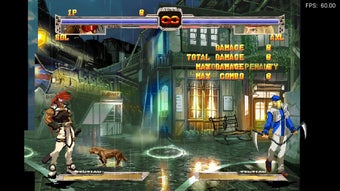
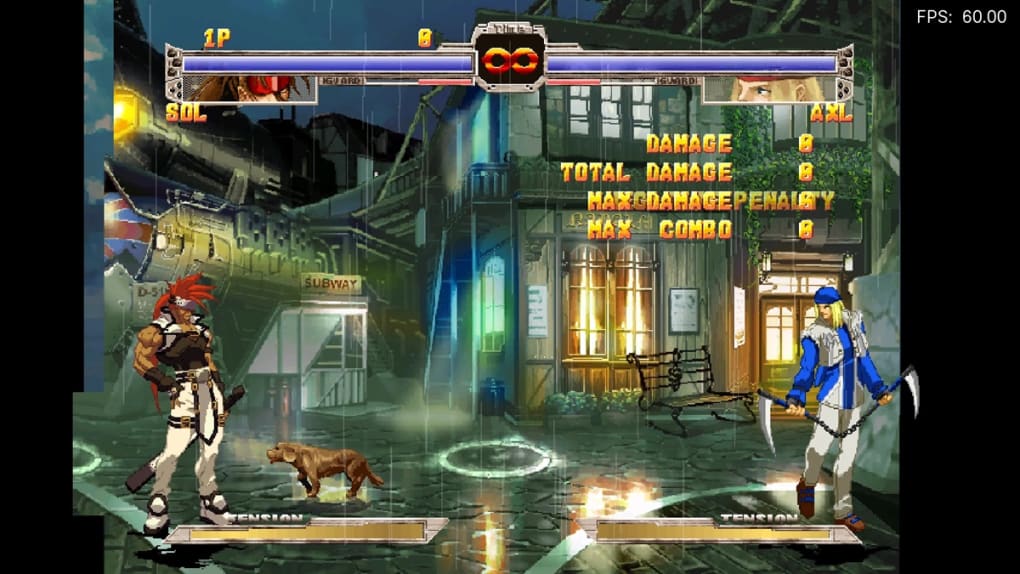
- High-Definition Rendering – Flycast can render Dreamcast games at resolutions up to 1080p, far exceeding the original console’s 480p output. This results in sharper textures and more detailed visuals, revealing in-game elements previously unnoticed.
- Full-Frame Buffer Emulation – This advanced feature ensures accurate rendering of visual effects and screen transitions, preserving the original look and feel of games while enhancing clarity on modern displays.
- Save and Load States – Users can save their progress at any moment and resume later, eliminating the need to restart from the beginning after interruptions.
- VMU Emulation – The emulator supports the Visual Memory Unit, allowing users to experience games that relied on this peripheral for saving progress and running mini-games.
- Game Cheat Support – Players can input cheat codes to modify gameplay, such as enabling infinite lives or unlocking hidden content.
- Multi-Platform Compatibility – Flycast runs on Windows, Mac, and Linux, making it accessible to a broad user base across different operating systems.
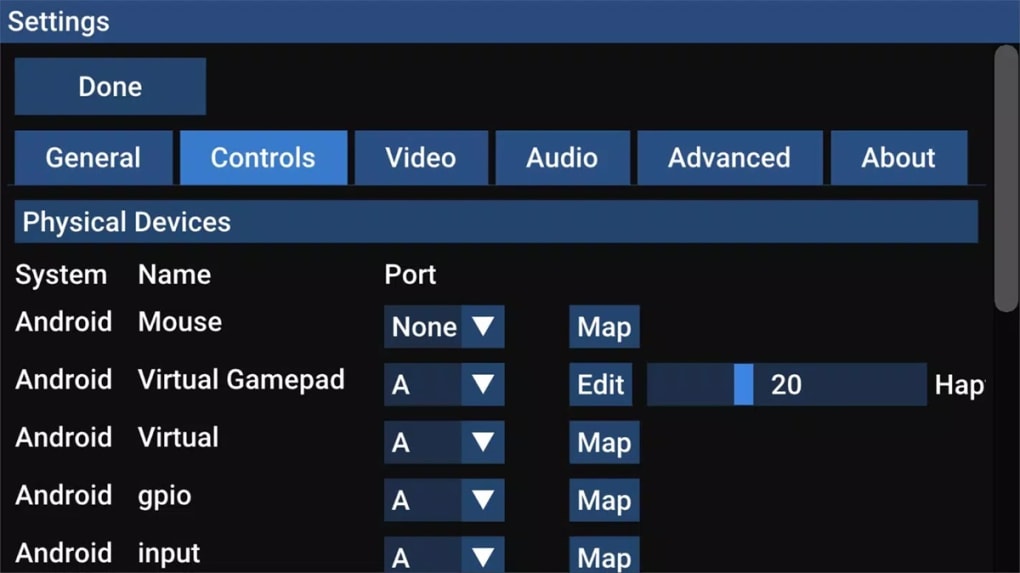
- Controller Flexibility – Supports a wide range of input devices, including gamepads, keyboards, and arcade sticks, ensuring customizable and responsive control schemes.
These capabilities make Flycast ideal for both casual players and serious collectors. For example, a user can set up a retro gaming station using a modern monitor and a classic Dreamcast controller, achieving a near-authentic experience with enhanced visuals. The ability to save states is especially useful for long or complex games, while VMU emulation adds authenticity to titles like Shenmue or Jet Set Radio.
User Interface, Workflow & Performance
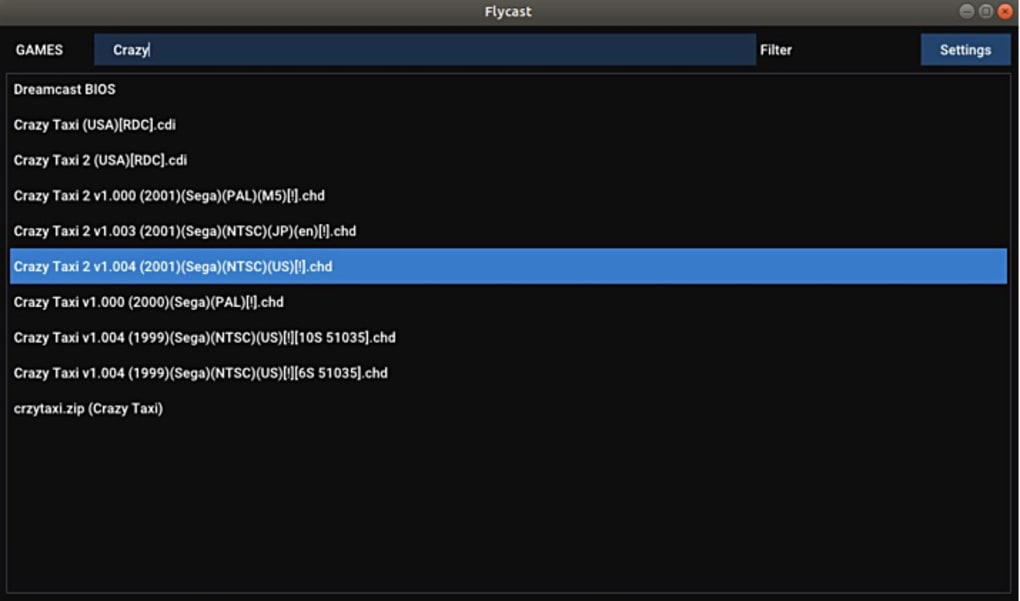
Flycast features a clean, minimalistic interface designed for ease of navigation. The layout prioritizes essential functions such as loading ROMs, configuring input devices, and managing save states. Users can access settings through clearly labeled menus, reducing the learning curve for newcomers. The workflow is streamlined: load a game, configure controls, and start playing—often within minutes.
Navigation is intuitive, with a central dashboard that displays recent games, system status, and quick access to key tools. The emulator integrates well with external tools for ROM management and controller calibration. While the developer did not specify resource usage details, performance observations are based on general software behavior patterns. The software is designed to run efficiently on modern hardware, though performance may vary depending on the game and system configuration.
Stability appears consistent across tested environments, with automatic crash reporting helping developers identify and resolve issues. The emulator handles game loading and rendering smoothly in most cases, though some titles may require configuration adjustments for optimal performance. The developer did not provide specific information on CPU or RAM usage, so users should monitor system resources during extended play sessions.
Compatibility & System Requirements
Flycast is compatible with Windows, Mac, and Linux operating systems, offering broad accessibility across desktop platforms. The current version is 0.10.1, with a download size of 120 MB. This compact footprint makes it easy to install and manage, even on systems with limited storage.
Exact system requirements were not listed by the developer. However, given the nature of emulation, users should expect to run the software on machines with at least a modern processor, sufficient RAM, and a capable graphics card. The emulator supports various controller types, including gamepads, keyboards, and arcade sticks, enhancing usability across different setups.
Compatibility information was partially provided. Users should ensure their system meets general emulation standards, especially when running graphically intensive Dreamcast titles. The developer did not specify whether the software supports touch input or remote control devices.
Pros and Cons
Pros
- Open-source and free to use
- High-definition rendering up to 1080p
- Supports VMU and GD-ROM emulation
- Save/load states for seamless gameplay
- Wide controller compatibility
- Multi-platform support (Windows, Mac, Linux)
- Active development with regular updates
Cons
- Does not include game ROMs (user must provide legally acquired games)
- Exact system requirements not specified
- Some games may require manual configuration for full compatibility
- Limited official documentation for beginners
- Performance may vary depending on hardware
FAQ Section
Is Flycast free to download and use?
Yes, Flycast is completely free and open-source. Users can download and use it without any cost.
What operating systems does Flycast support?
Flycast is compatible with Windows, Mac, and Linux, making it accessible across major desktop platforms.
Does Flycast support game controllers?
Yes, Flycast supports a wide range of input devices, including gamepads, keyboards, and arcade sticks.
Can I play Dreamcast games offline?
Yes, Flycast allows offline gameplay once games are loaded. No internet connection is required after setup.
How often does Flycast receive updates?
As an actively maintained project, Flycast receives regular updates to improve compatibility, fix bugs, and enhance performance.
Final Thoughts
Flycast stands out as a top-tier Dreamcast emulator, offering a modernized, high-fidelity experience for classic gaming titles. Its ability to render games in high definition, support advanced features like save states and VMU emulation, and run across multiple platforms makes it an essential tool for retro gaming enthusiasts. While it does not include ROMs, its open-source nature and strong community support ensure long-term viability.
For fans of the Sega Dreamcast and collectors of classic games, Flycast delivers unmatched value. It successfully bridges the gap between nostalgic appeal and modern technology, making it a must-have desktop application for any retro gaming setup. The combination of performance, compatibility, and ease of use sets it apart in the emulation space.
Download Flycast now to relive the golden era of Dreamcast gaming on your modern PC.







